Reports Module
The Reports Module in FinLedger Go offers a comprehensive array of reporting functionalities to provide users with valuable insights into their financial data. Here’s an overview of the ten main pages within this module:
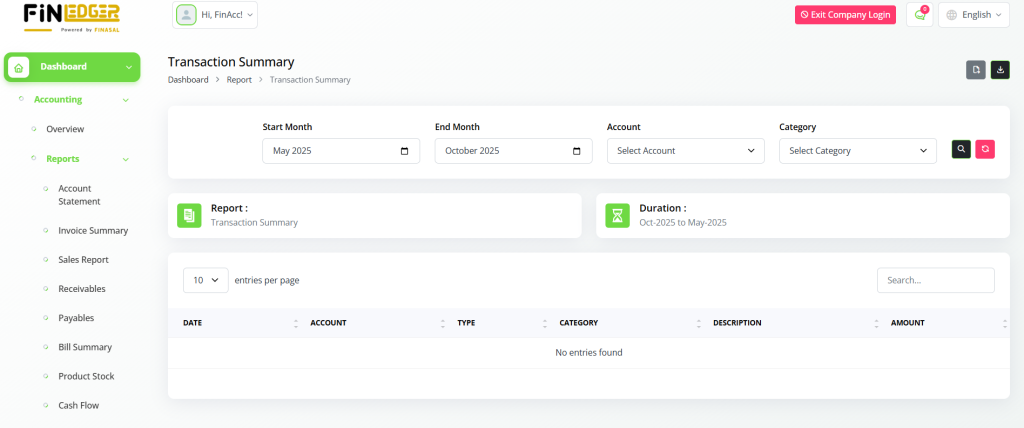
Transactions Summary
Access a summary of all transactions to gain a complete overview of financial activities within a specific timeframe.
Analyze income and expenses to monitor cash flow and financial performance.
Generate detailed reports to support audits, budgeting, and decision-making.
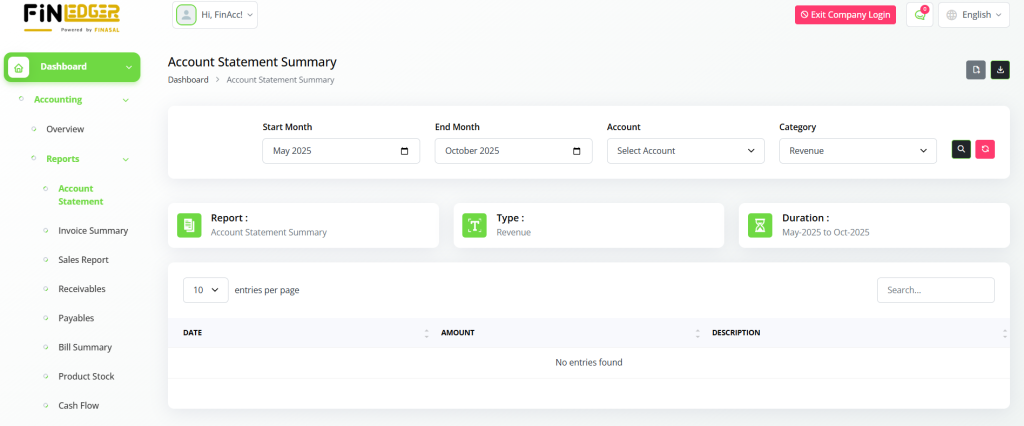
Account Statement Summary
View a consolidated summary of account balances and transaction details for better financial tracking.
Monitor account activity to ensure accuracy and transparency in financial records.
Download or print statements for reporting, reconciliation, or audit purposes.
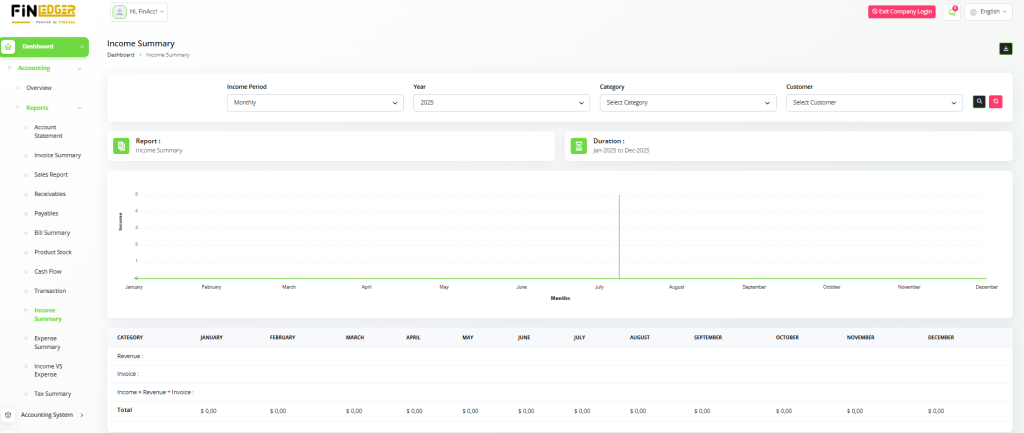
Income Summary
Obtain detailed insights into income sources and financial trends over a selected period.
Track revenue growth and identify key contributors to overall income.
Compare current income with previous periods to evaluate business performance.
Generate comprehensive income reports to support strategic financial planning.
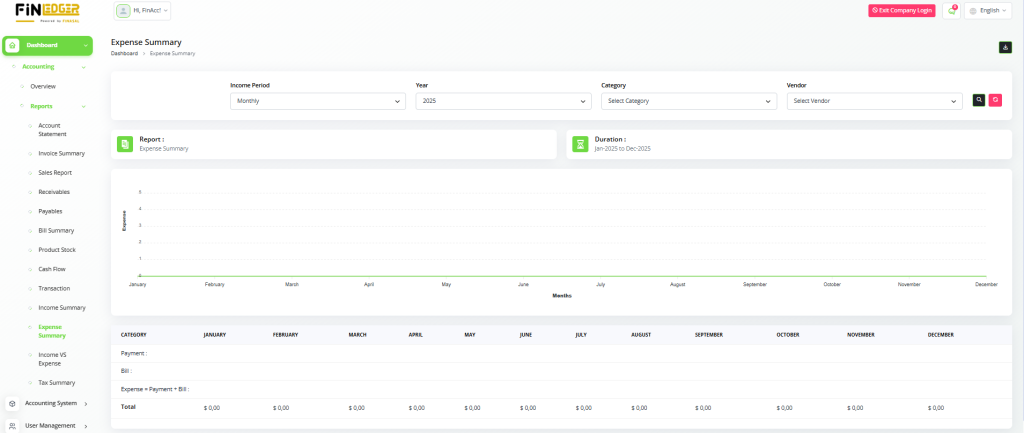
Expense Summary
Gain clear visibility into expenditure patterns and spending behavior over a defined period.
Monitor operational costs and identify areas where expenses can be reduced.
Compare actual spending with planned budgets to ensure financial control.
Generate detailed expense reports to support financial reviews and decision-making.
Income vs. Expense Summary
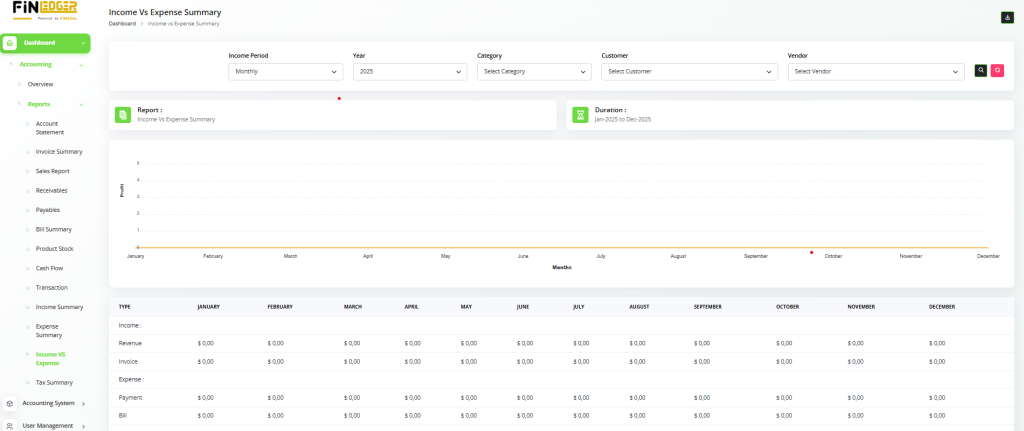
Compare income and expense data side-by-side to evaluate overall financial performance.
Identify profit or loss trends to make informed financial decisions.
Analyze spending efficiency and revenue growth for better budget management.
Track financial progress over time to ensure business stability and sustainability.
Generate comparative reports to highlight key financial strengths and improvement areas.
Tax Summary
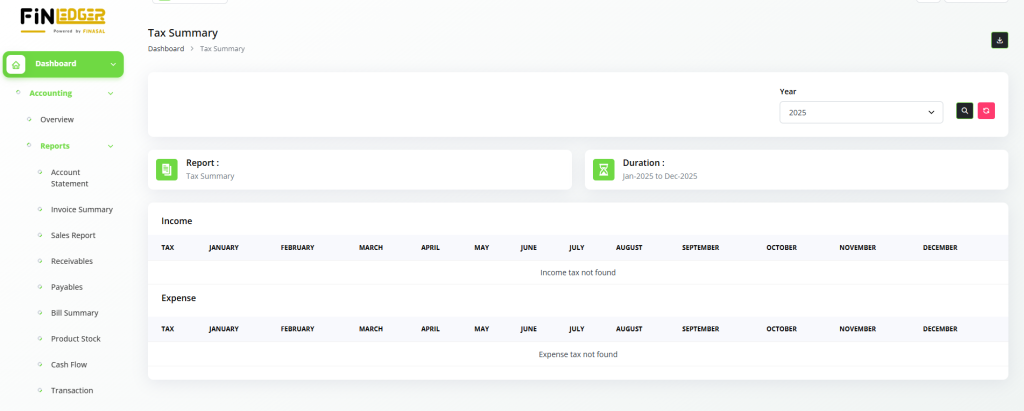
Review comprehensive tax-related information, including liabilities, deductions, and payments.
Monitor tax compliance and ensure timely filing of required tax documents.
Analyze tax trends to identify potential savings and optimize financial planning.
Generate detailed tax reports to support audits and maintain regulatory transparency.
Cash Flow Summary
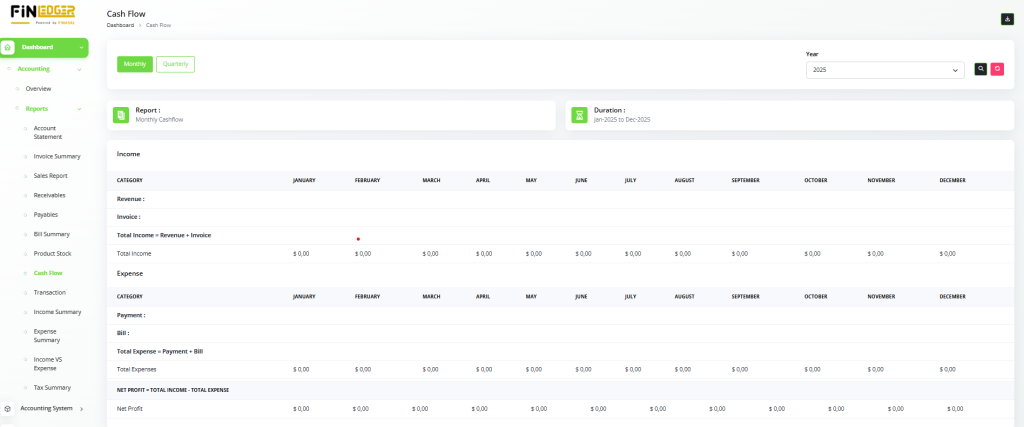
Monitor overall cash flow trends by tracking all inflows and outflows within a defined period.
Gain insights into liquidity to ensure sufficient funds for daily operations.
Identify periods of cash surplus or shortage to plan financial actions effectively.
Compare projected and actual cash movements for better financial forecasting.
Generate detailed cash flow reports to support budgeting and strategic decision-making.
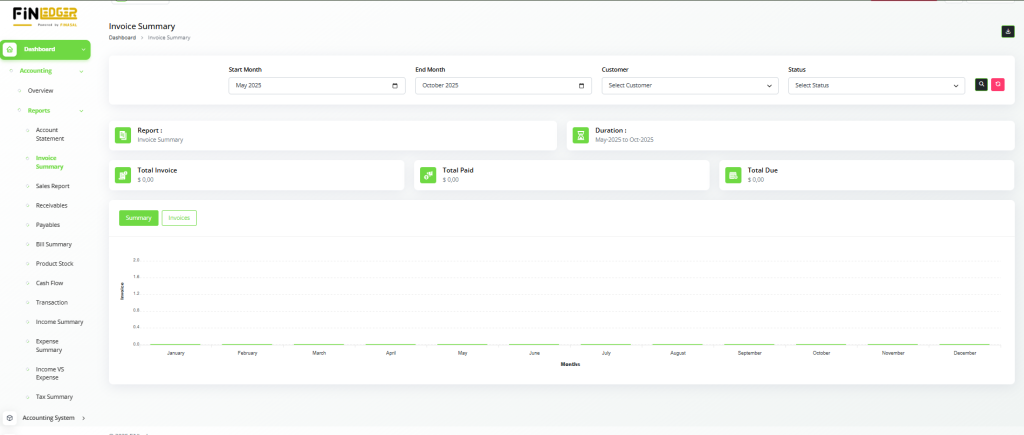
Invoice Summary
Access a complete summary of all issued invoices with details like invoice numbers, amounts, and due dates.
Track payment statuses to identify pending, paid, or overdue invoices.
Monitor billing trends to analyze customer payment behavior and revenue flow.
Generate detailed invoice reports for accounting, auditing, and financial analysis.
Ensure accurate record-keeping to maintain transparency and streamline the billing process.
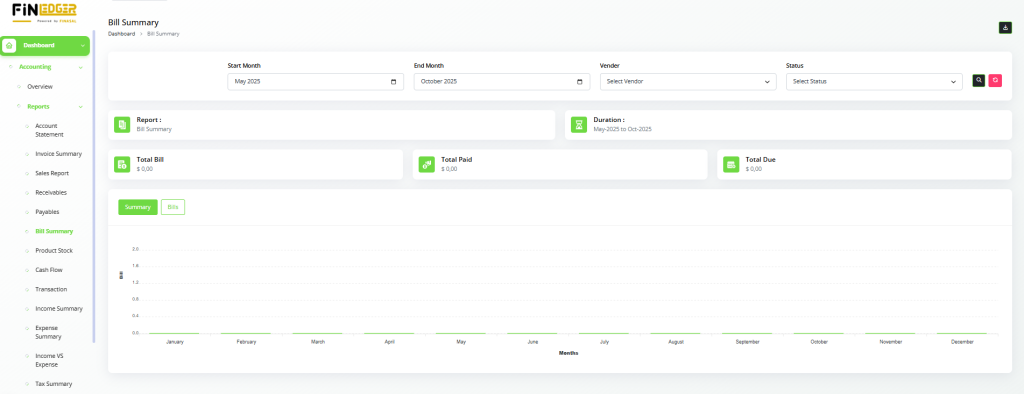
Bill Summary
View a detailed summary of all received bills, including vendor names, amounts, and due dates.
Gain insights into outstanding liabilities and upcoming payment obligations.
Track bill payment statuses to manage cash flow and avoid late payments.
Generate comprehensive reports to support expense tracking and financial planning.
Maintain organized bill records for accurate accounting and audit readiness.
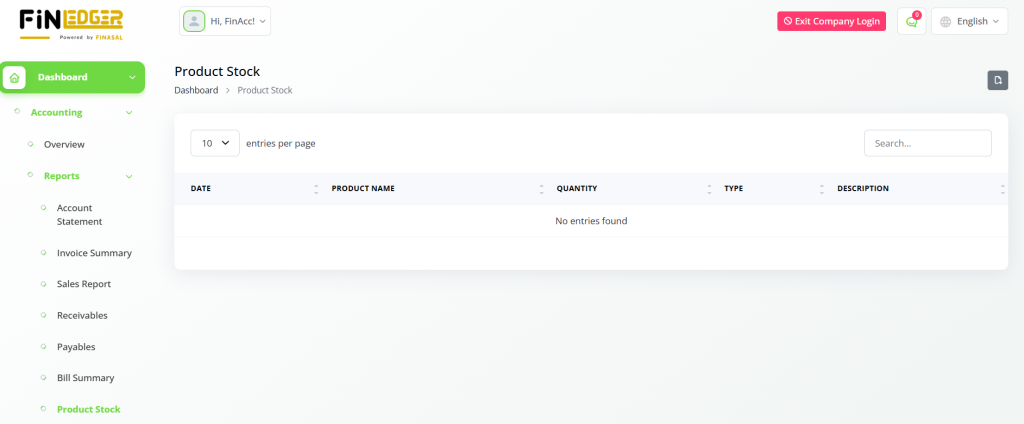
Product Stock Summary
Track inventory levels and product availability with a summary of current stock quantities.
Users can export and download all reports from the Reports Module, enabling them to analyze data offline and share insights with stakeholders as needed. With these robust reporting capabilities, AccountGo SaaS empowers users to make informed financial decisions and optimize business performance.